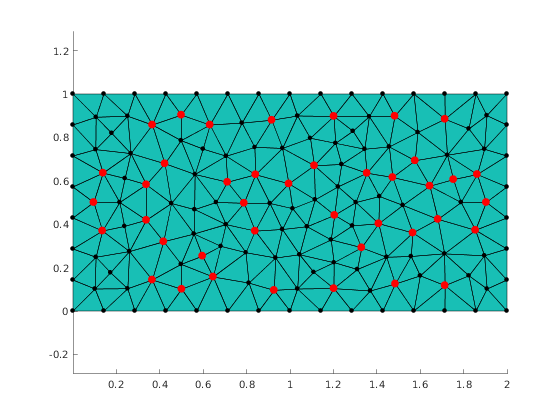
Illustrate higlighting selected nodes
Contents
Generate mesh
Setup GMSH, create geometry description and generate mesh
clear variables;
mp_setup_gmsh()
meshingParams = struct('basename','rect','folder','.','dim',2);
gmshgeom = mp_geom_rectangle([0,0], [2,1], struct('lc', 0.15));
[nodes, elements] = mp_gmsh_generate(gmshgeom, meshingParams);
Plot mesh
The simplest way to visaulize mesh obtained via mp_gmsh_generate is to use mp_plot_mesh. The return value is structure with handles to plotted objects that represent nodes and elements.
figure(1);
clf;
h = mp_plot_mesh(gca, nodes, elements);
axis('equal')
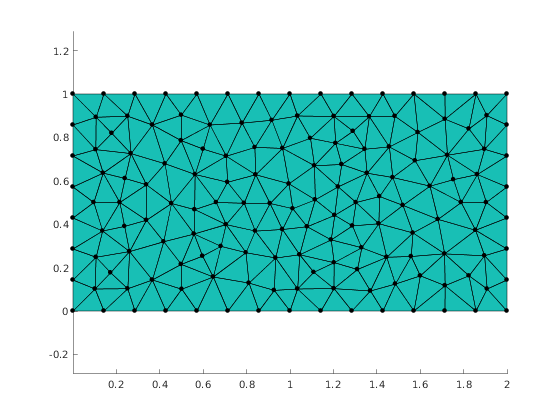
Highlight nodes by color
Create new figure
figure(2);
clf;
% Make copy of nodes and elements from previous figure
hv = copyobj([h.nodes, h.elements], gca);
axis('equal')

mp_highlight_nodes(hv(1), [80:120], 'yellow');
axis('equal')
saveas(gcf, 'higlighted_nodes_by_color.png');
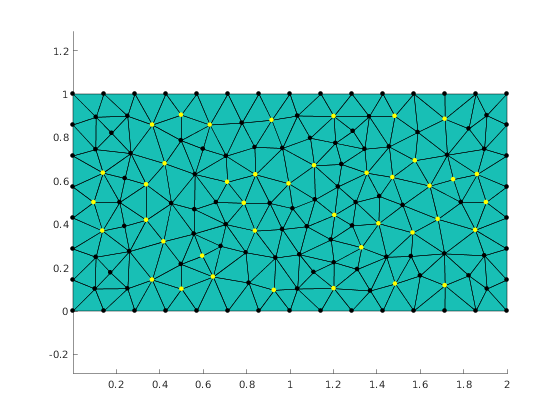
Highlight nodes by color and marker size
Create new figure
figure(3)
% Make copy of nodes and elements from previous figure
hv = copyobj([h.nodes, h.elements], gca);
axis('equal')

% Highlight in yellow and make the markers 3 times larger
hopts.markerColor = 'red';
hopts.markerFactor = 3;
mp_highlight_nodes(hv(1), [80:120], hopts);
axis('equal')
saveas(gcf, 'higlighted_nodes_by_color_and_size.png');
% Report demo status
mp_manage_demos('report', 'highlight_nodes', true);